A minimalistic and smooth Linux desktop
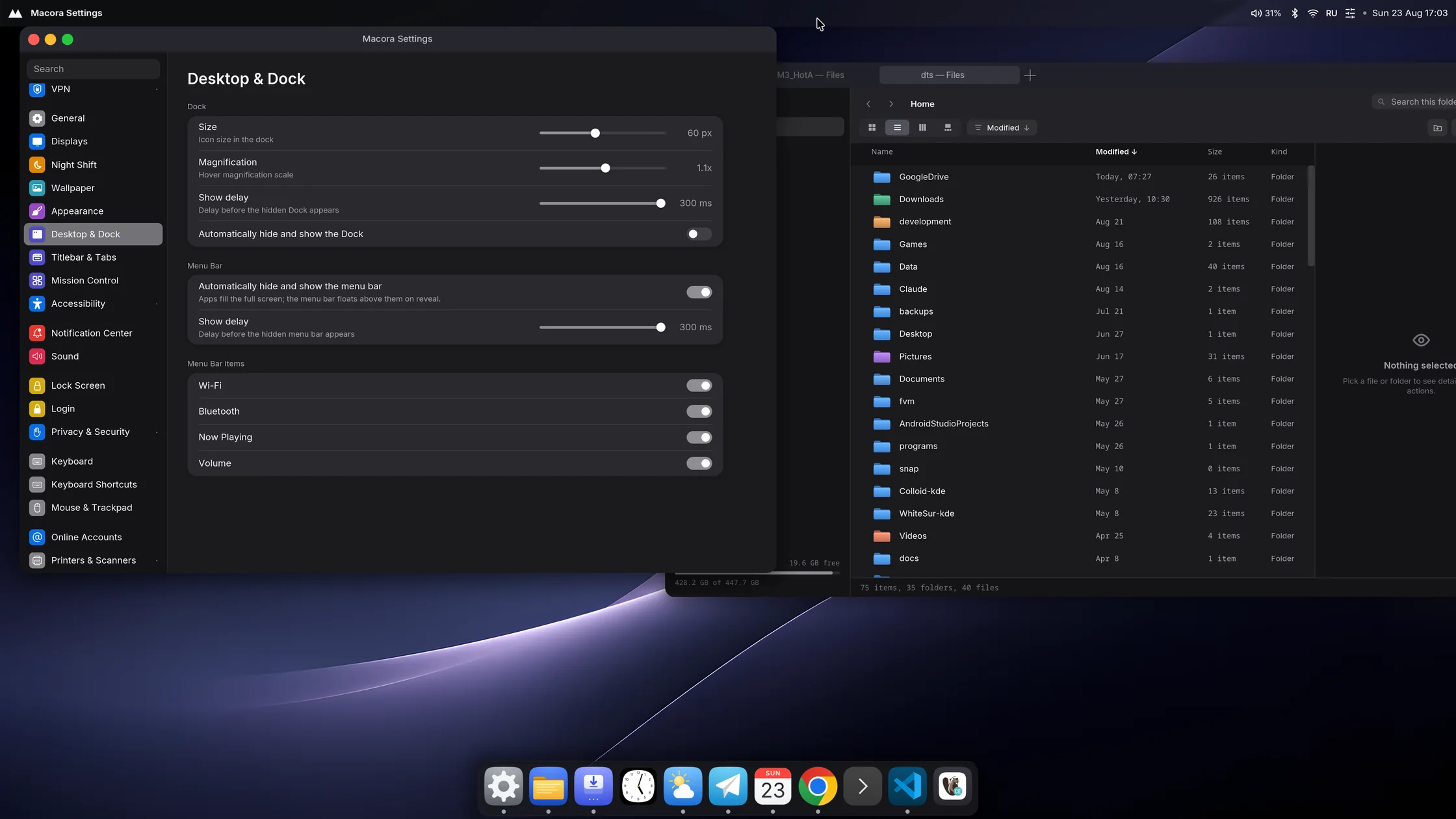
A Linux desktop made to feel as smooth as a Mac. Written in Rust for Fedora. One process draws everything: windows, panel, dock and notifications. The apps live in the same repo.
What's different
Compositor-level tabs
macOS can keep all your VS Code windows as tabs of one window. GNOME and KDE can't, and I missed it every day. In Macora it's a per-app switch: pick an app, and its windows share one titlebar with tabs. Works with any app that lets the system draw its titlebar (server-side decorations), and the app doesn't need to know anything about tabs.
Mac-like, without extensions
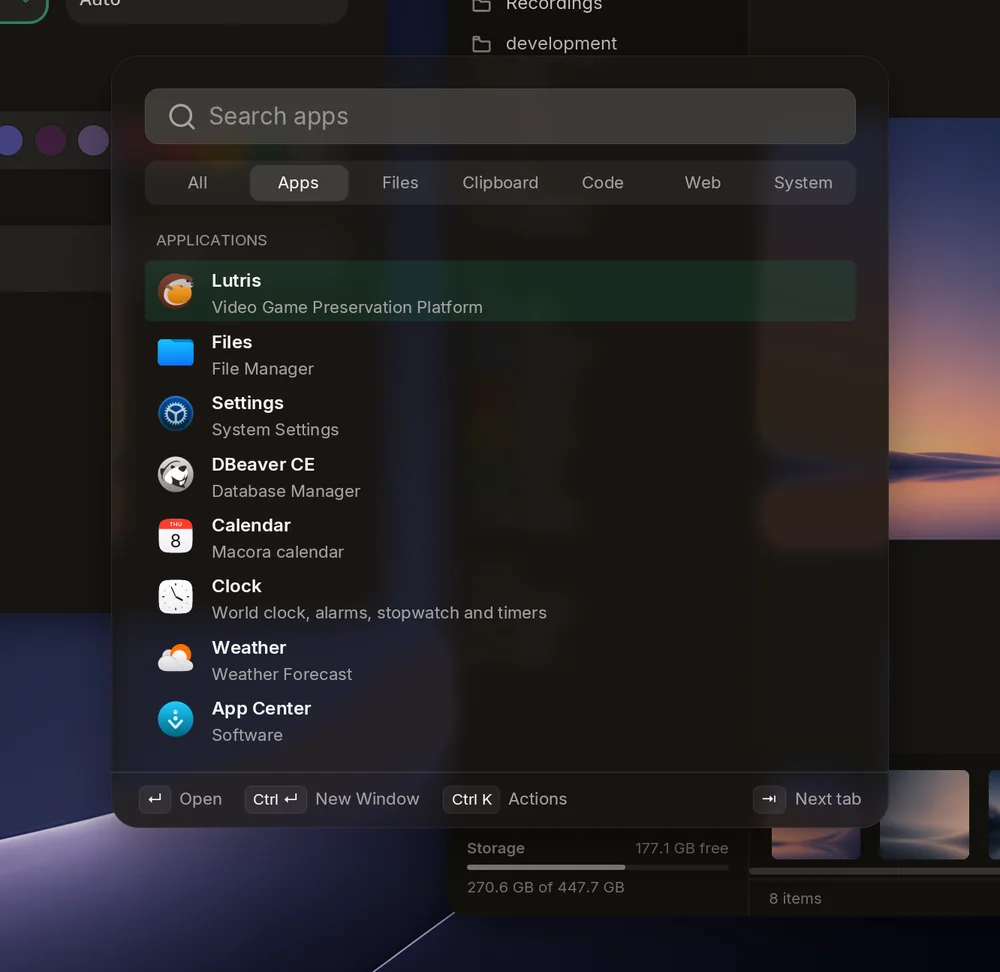
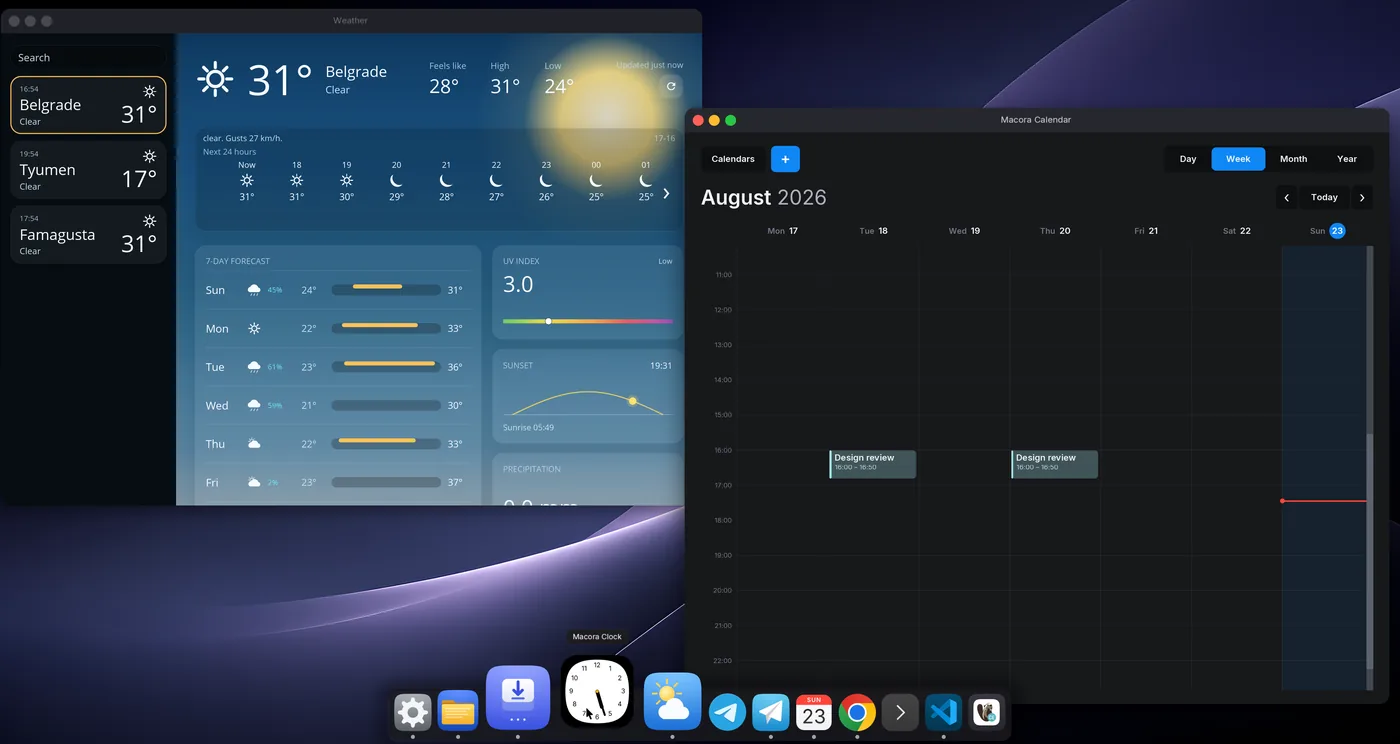
Dock with magnification, Mission Control, a Spotlight-style launcher with clipboard history, Genie minimize, hot corners, glass with live blur. All built in and made to work together, not put together from extensions.
Everyday apps included
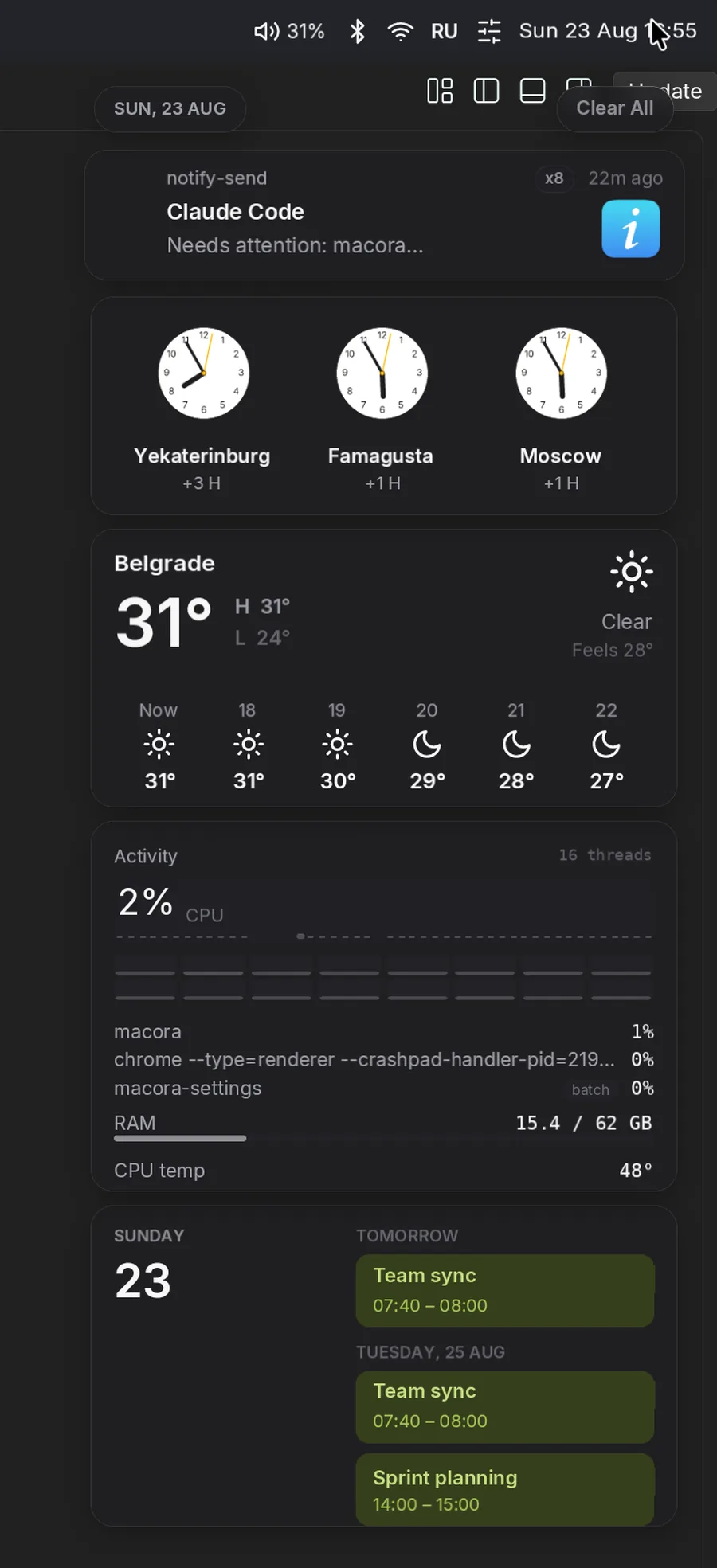
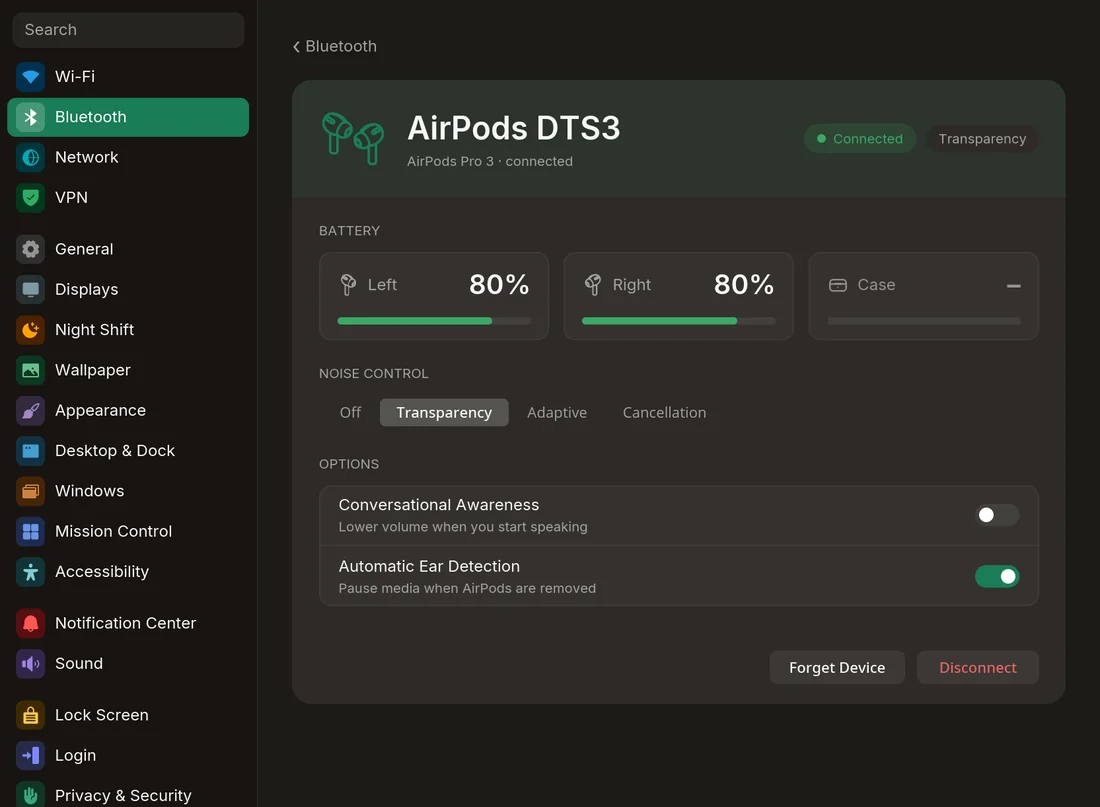
Files, Settings, Calendar with Google sync, Clock, Weather, and App Center for apps (RPM and Flatpak) and system updates. Screenshots, screen recording, clipboard history, the lock and login screens are built in.

Built for smoothness
The panel, dock, launcher and notifications are drawn by the compositor itself, in the same frame as your windows, so nothing waits for another process when you move the mouse. The main loop only handles input and drawing; disk, files and system queries go to other threads, and a watchdog logs anything that still stalls. Every animation is calculated for the moment its frame really reaches the display, so it moves exactly one step per refresh, and if you interrupt it, it just continues from where it is.
Measured with macora-ctl stats on one machine (below): 4K at
60 Hz, one display, one GPU vendor. A frame is late if it shows up more than half a
millisecond after its 16.7 ms slot.
Pre-alpha, but I use it every day
| Daily driver | My only desktop for months now: work, browsing, games |
|---|---|
| Tested on | Ryzen 7 7800X3D · RTX 5070 · 4K 60 Hz · Fedora 44 · single monitor |
| Built | Fast, with a lot of help from AI. APIs and the config format still change |
Known limitations
- The shell runs inside the compositor process, so a shell bug can take the whole session down. In half a year of using it every day I haven't had a single crash, but the risk is there.
- Only one display: the first connected monitor works, a second one stays dark. Also
wlr-output-managementis missing, so kanshi and wlr-randr can't configure outputs. - No input methods (CJK doesn't work) and no accessibility support yet.
- No display sleep or suspend on idle, and no session restore.
- Only builds from source, no RPM, COPR, Flatpak or image yet.
Why another desktop
There are already good desktops for Linux. But I wanted one where nothing annoys me: animations that never stutter, input that answers right away, no lag anywhere, and it still looks nice. I couldn't get all of that together, so I'm building it.
Support
It's one person in free time. I read every issue, but honestly, first I fix what breaks my own day. Steps to reproduce make it much faster. Frametime numbers and reports from other hardware help the most, since I have only one machine to test on.
Build from source on Fedora 44
# build dependencies: see INSTALL.md
sudo dnf install mold               # the workspace links with mold
./install.sh                        # builds, installs binaries, systemd units, portal
sudo macora-loginctl enable-greetd  # optional: Macora's login screen (reversible)
install.sh runs as your user and asks for sudo when it needs it. After that,
Macora shows up in the session list of your current login screen. Macora's own login screen
is optional: enable-greetd backs up your old config and restores it if something
fails, and disable-greetd brings your old login manager back. Keep a TTY ready
the first time, just in case. Dependencies and notes for other distros:
INSTALL.md.